




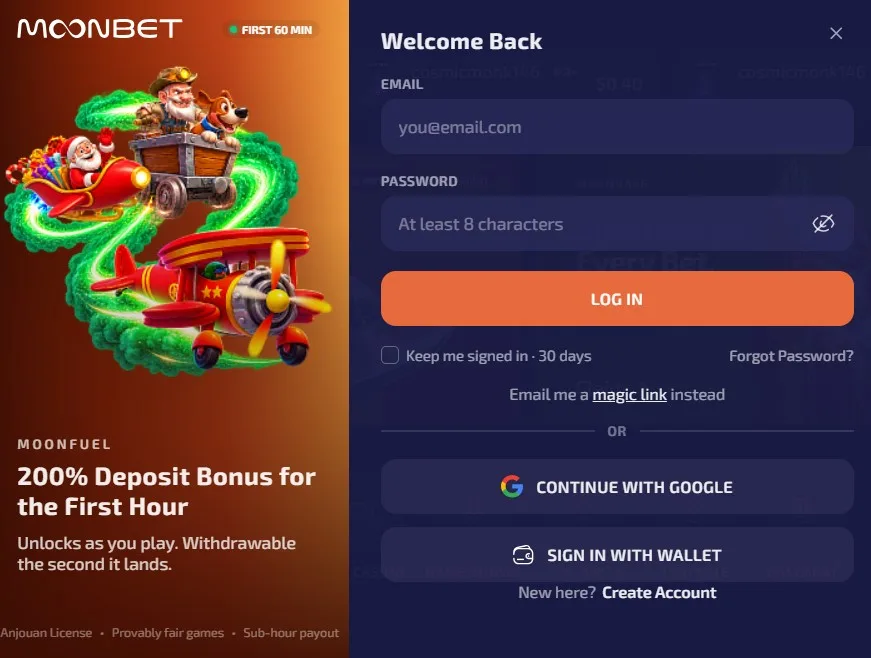
How to sign in to Moonbet
Moonbet account access works in a mobile browser without requiring an app download. Open Moonbet.games in Chrome, Safari, Firefox, or any browser. We support access through desktop and mobile browsers.
1. Open our official site and select the login control. 2. Enter the email address registered to your Moonbet account. 3. Enter your password to access your account area.
Use the same email address you registered with us. Check that your browser is displaying our official Moonbet site before entering any details.
Forgot password recovery
Use the “Forgot password” recovery flow when you cannot remember your password. We guide you through restoring access with the email linked to your account. Follow the recovery instructions sent to that address.
Why sign-in can fail
Incorrect login details can prevent access to your Moonbet account. Re-enter your registered email address and password carefully. An unverified email address can also block account access.
An active self-exclusion prevents sign-in while the exclusion remains in force. For help with access issues, we provide 24/7 live chat and support by email. Our support team can help you identify the relevant account issue.
Moonbet account security
Enter your details only on our official Moonbet site. We never ask you to share your password with another person. Keep your password private and use your registered email address for account recovery.
We may request proof-of-age documents in connection with your account. Provide the requested documents through our official support channels when asked.